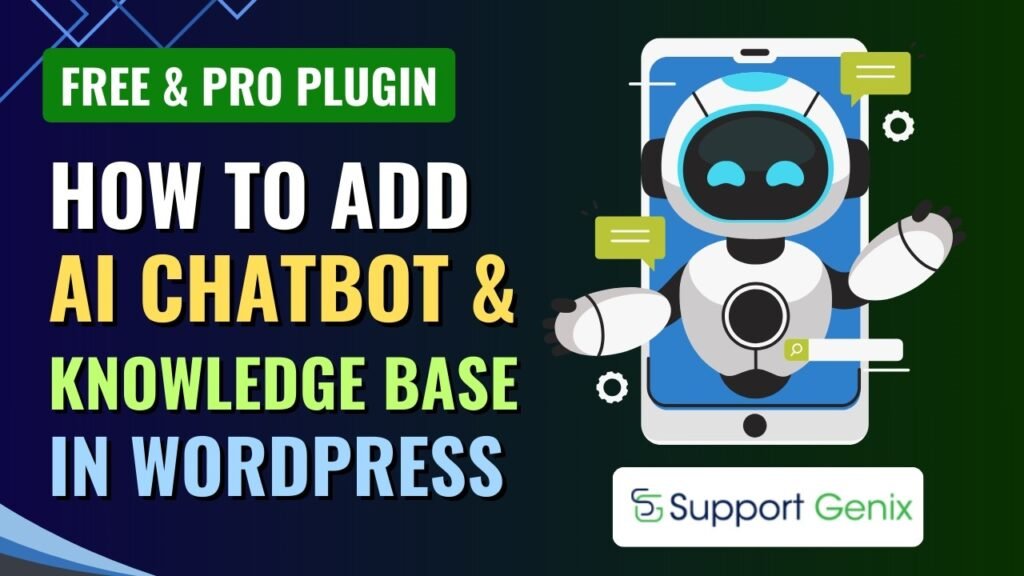
Artificial Intelligence is transforming how websites interact with visitors. One of the most powerful ways to improve website engagement and customer support is by adding an AI chatbot.
An AI chatbot can instantly answer questions, guide visitors, and provide 24/7 customer support without human intervention.
In this tutorial, you will learn:
What an AI chatbot is
Benefits of adding an AI chatbot to your website
Features of the Support Genix plugin
How to add an AI chatbot in WordPress step-by-step
Support Genix Free vs Pro features
Using a plugin like Support Genix, you can easily add a powerful AI chatbot to your WordPress website without coding.
Watch Step by step video tutorial: https://youtu.be/a4-TINcT7Zg
What is an AI Chatbot?
An AI chatbot is an automated software application that uses artificial intelligence to simulate conversations with users.
It allows website visitors to ask questions and receive instant responses.
AI chatbots can be used for:
Customer support
Sales assistance
Lead generation
Product recommendations
Appointment booking
Unlike traditional chat systems, AI chatbots use machine learning and natural language processing (NLP) to understand user questions and provide relevant answers.
Why Websites Need AI Chatbots
Many websites receive repetitive questions such as:
What are your business hours?
Where is my order?
How do I contact support?
What services do you offer?
Instead of manually responding to each query, an AI chatbot can answer these questions instantly.
This helps businesses improve efficiency and reduce support workload.
Benefits of Adding an AI Chatbot on a Website
Adding an AI chatbot to your website offers several advantages.
1. 24/7 Customer Support
An AI chatbot can respond to customer queries at any time of the day.
Even when your support team is offline, the chatbot continues to assist visitors.
2. Instant Response to Customers
Customers expect quick responses.
AI chatbots provide immediate answers, improving customer satisfaction.
3. Reduce Support Workload
Customer support teams often deal with repetitive queries.
AI chatbots handle common questions automatically, allowing support teams to focus on complex issues.
4. Increase Website Engagement
Interactive chatbots encourage visitors to stay longer on your website.
They can guide users to:
important pages
product pages
support resources
5. Improve Lead Generation
AI chatbots can collect information such as:
name
email
phone number
This helps businesses generate leads directly from website visitors.
6. Improve Conversion Rates
Chatbots can guide visitors through the buying process by recommending products or services.
This can increase website conversions.
Plugin Used in This Tutorial
To add an AI chatbot to WordPress, we use the plugin:
Support Genix
Support Genix is a powerful WordPress customer support and ticketing system plugin that also includes AI chatbot functionality.
It allows website owners to provide automated customer support directly from their website.
The plugin is available in:
Free version
Premium version
Features of Support Genix Plugin
Support Genix offers a wide range of features for customer support and chatbot automation.
1. AI Chatbot Integration
The plugin allows you to integrate an AI-powered chatbot into your website.
The chatbot can automatically respond to visitor queries.
2. Live Chat Support
Support Genix allows real-time communication between support agents and website visitors.
Customers can chat with your team directly.
3. Customer Support Ticket System
Visitors can create support tickets if they need help.
Support agents can respond through the WordPress dashboard.
4. Knowledge Base Integration
The chatbot can link to knowledge base articles to help users find answers quickly.
5. Automated Responses
You can configure automated replies for frequently asked questions.
This improves response time and customer experience.
6. Custom Chat Widget
Support Genix allows you to customize the chat widget.
You can modify:
colors
position
chatbot icon
welcome messages
7. Email Notifications
Customers receive notifications when:
tickets are created
responses are added
support issues are updated
8. Multi-Agent Support
Multiple support agents can manage customer queries.
Each agent can respond to tickets and chat messages.
9. Analytics and Reports
The plugin provides reports showing:
number of support tickets
chatbot interactions
response times
How to Add AI Chatbot in WordPress Using Support Genix Plugin
Now let’s walk through the step-by-step process.
Step 1: Install WordPress
Before adding a chatbot, make sure your website has:
WordPress installed
A working theme
Necessary plugins installed
Step 2: Install Support Genix Plugin
To install the plugin:
Go to WordPress Dashboard
Click Plugins → Add New
Search for Support Genix
Install the plugin
Click Activate
After activation, the plugin will appear in the WordPress dashboard.
Step 3: Configure Support Genix Settings
Once installed, open the plugin settings.
You can configure:
chatbot settings
ticket system
notification options
support agents
Step 4: Enable AI Chatbot
Inside the plugin settings:
Navigate to Chatbot Settings
Enable the chatbot feature
Configure AI response options
This activates the chatbot on your website.
Step 5: Customize Chat Widget
You can customize the chatbot appearance.
Options include:
widget color
chatbot icon
welcome message
position on screen
A professional chat widget improves user experience.
Step 6: Train the Chatbot
For best results, add common questions and answers.
Examples include:
pricing information
support queries
service details
This helps the AI chatbot respond more accurately.
Step 7: Test the Chatbot
Before launching, test the chatbot functionality.
Ask common questions to ensure responses are accurate.
Step 8: Launch Chatbot on Your Website
Once everything is configured, the chatbot will appear on your website.
Visitors can now interact with the AI chatbot instantly.
Support Genix Free vs Pro Features
Support Genix offers both free and premium versions.
Here is a comparison.
| Feature | Free Version | Pro Version |
|---|---|---|
| Support ticket system | Yes | Yes |
| Basic chatbot support | Yes | Yes |
| Live chat | Limited | Advanced |
| Multi-agent support | Limited | Full |
| Custom chatbot responses | Basic | Advanced |
| Analytics and reports | Limited | Advanced |
| Priority support | No | Yes |
The Pro version offers advanced automation and enhanced chatbot capabilities.
Best Practices for AI Chatbots
To get the most value from your chatbot, follow these tips.
Use Friendly Chatbot Messages
A welcoming message improves user engagement.
Example:
“Hello! How can I help you today?”
Add Frequently Asked Questions
Training the chatbot with FAQs helps improve response accuracy.
Combine Chatbot with Human Support
Allow users to connect with a real support agent if needed.
Monitor Chatbot Performance
Analyze chatbot conversations to improve responses.
Future of AI Chatbots on Websites
AI chatbots are rapidly evolving.
Future chatbot technologies may include:
voice-based conversations
deeper AI learning
predictive recommendations
personalized user interactions
Websites that adopt AI chatbots early will have a strong competitive advantage.
Frequently Asked Questions (FAQ)
1. What is an AI chatbot?
An AI chatbot is a software program that uses artificial intelligence to communicate with users and answer their questions automatically.
2. Can I add an AI chatbot to WordPress without coding?
Yes. You can add an AI chatbot using plugins like Support Genix without writing any code.
3. What are the benefits of an AI chatbot on a website?
AI chatbots provide instant support, improve user engagement, reduce support workload, and increase conversions.
4. Is Support Genix plugin free?
Support Genix offers a free version with basic features and a Pro version with advanced chatbot and support tools.
5. Can AI chatbots replace customer support teams?
AI chatbots can handle common queries, but human support agents are still needed for complex issues.
Final Thoughts
Adding an AI chatbot in WordPress is one of the best ways to improve customer support and website engagement.
With plugins like Support Genix, you can easily:
automate customer support
provide instant responses
manage support tickets
increase website conversions
By implementing an AI chatbot, your website can provide 24/7 support and a better user experience for visitors.