What Is a Sales Funnel?
A sales funnel is a structured journey that guides visitors step-by-step from first interaction to final purchase—and beyond.
Traditional WooCommerce vs Sales Funnel
Traditional WooCommerce Flow
Shop page → Product page → Cart → Checkout → Thank you
Sales Funnel Flow
Landing page → Checkout → Order bump → Upsell/Downsell → Thank you
A sales funnel removes unnecessary steps and distractions, focusing the visitor on one action at a time, which significantly increases conversion rates.
How a Sales Funnel Works in WooCommerce
A WooCommerce sales funnel typically works in these stages:
1. Awareness
Visitors land on a focused landing page designed to sell one product or offer.
2. Decision
They proceed directly to a custom checkout page optimized for conversions.
3. Increase Order Value
Order bumps and upsells are offered at the right moment.
4. Confirmation
Customer completes the purchase and reaches a thank-you page.
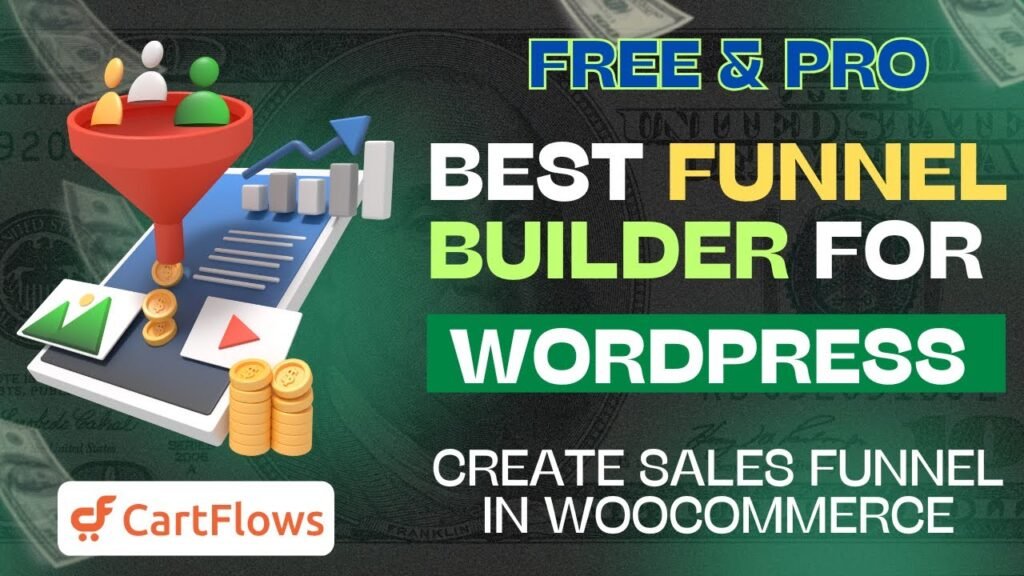
CartFlows automates this entire process inside WooCommerce.
What Is CartFlows?
CartFlows is a powerful WordPress plugin that allows you to build conversion-optimized sales funnels for WooCommerce without coding.
It replaces the default WooCommerce flow with custom funnels including:
Landing pages
Custom checkout pages
One-click upsells & downsells
Thank-you pages
CartFlows works seamlessly with page builders like:
Elementor
Gutenberg
Beaver Builder
Why CartFlows Is the Best Plugin for Creating Sales Funnels in WooCommerce
Built Specifically for WooCommerce
CartFlows is not a generic funnel builder—it is built exclusively for WooCommerce, ensuring perfect compatibility with:
WooCommerce products
Payments
Orders
Subscriptions
Optimized for Conversions
CartFlows removes unnecessary WooCommerce distractions and introduces:
Two-step checkouts
Focused layouts
Conversion-friendly templates
This dramatically improves checkout completion rates.
Free + Pro Flexibility
You can start building funnels using the free version, then upgrade to Pro for advanced features like upsells and order bumps.
CartFlows Free vs Pro – Key Differences
CartFlows Free Features
The free version of CartFlows allows you to:
Create unlimited sales funnels
Use ready-made funnel templates
Customize checkout pages
Use two-step checkout
Integrate with WooCommerce products
This is perfect for beginners and small stores.
CartFlows Pro Features
The Pro version unlocks revenue-boosting features, including:
One-click upsells
One-click downsells
Order bumps
Dynamic offers
Advanced checkout optimization
Conversion analytics
If you are serious about scaling your WooCommerce store, CartFlows Pro is a must.
What Are Order Bumps in Sales Funnels?
Understanding Order Bumps
An order bump is a small add-on offer displayed on the checkout page.
Example:
“Add priority support for ₹299”
“Add extended warranty for $9”
Order bumps require one click and do not interrupt the checkout process.
Benefits of Order Bumps
Increase Average Order Value (AOV)
No extra traffic needed
High acceptance rate
CartFlows Pro allows you to easily add and customize order bumps.
What Are Upsells and Downsells?
Upsells Explained
An upsell is an offer shown after checkout but before payment completion.
Example:
Upgrade to premium version
Buy bundle instead of single product
With CartFlows Pro, upsells are one-click, meaning customers don’t need to re-enter payment details.
Downsells Explained
A downsell is offered when a customer declines an upsell.
Example:
Cheaper alternative
Payment plan option
This ensures you still capture value even if the upsell is rejected.
CartFlows Sales Funnel Templates (Free & Pro)
Pre-Built Funnel Templates
CartFlows comes with professionally designed sales funnel templates for:
Product sales
Lead generation
Course sales
Webinar funnels
Membership funnels
Templates are available for both free and pro users, with advanced templates unlocked in Pro.
Benefits of Using Funnel Templates
Saves time
Proven layouts
Conversion-focused design
Easy customization
You can import a complete funnel in one click and customize it using Elementor or Gutenberg.
How To Create Sales Funnel in WooCommerce with CartFlows (Step-by-Step)
Step 1 – Install CartFlows Plugin
Go to WordPress Dashboard → Plugins → Add New
Search for CartFlows
Install and activate the plugin
Step 2 – Setup Wizard
After activation:
Choose your page builder
Import starter templates
Configure WooCommerce settings
CartFlows makes onboarding extremely beginner-friendly.
Step 3 – Create a New Flow
Go to CartFlows → Flows
Click Add New
Choose a sales funnel template
Import the flow
Step 4 – Customize Funnel Pages
Each flow includes:
Landing page
Checkout page
Thank-you page
Edit pages using Elementor or Gutenberg.
Step 5 – Add Products to Checkout
Assign WooCommerce products to:
Checkout
Order bump
Upsell / Downsell (Pro)
Step 6 – Test the Funnel
Always test:
Checkout flow
Payments
Upsells & order bumps
Once verified, publish and start selling.
Benefits of Creating Sales Funnel in WooCommerce
1. Higher Conversion Rates
Sales funnels remove distractions and guide users step-by-step.
2. Increased Average Order Value
Order bumps and upsells increase revenue without extra traffic.
3. Better Customer Experience
Simplified checkout improves trust and satisfaction.
4. Scalable Selling System
Once built, funnels work automatically 24/7.
5. Data-Driven Optimization
Funnels allow you to test and optimize each step.
Who Should Use CartFlows?
CartFlows is perfect for:
WooCommerce store owners
Course creators
Digital product sellers
Coaches & consultants
Agencies
If you sell anything online, CartFlows helps you sell more with the same traffic.
Frequently Asked Questions (FAQs)
1. Is CartFlows free to use?
Yes, CartFlows has a free version that allows you to create sales funnels with custom checkout pages. Advanced features require the Pro version.
2. Does CartFlows work with Elementor?
Yes, CartFlows works perfectly with Elementor, Gutenberg, Beaver Builder, and other popular page builders.
3. Can I create upsells in WooCommerce without CartFlows Pro?
No, one-click upsells and downsells are available only in CartFlows Pro.
4. Is CartFlows good for beginners?
Absolutely. CartFlows includes templates, a setup wizard, and simple UI, making it beginner-friendly.
5. Will CartFlows slow down my WooCommerce site?
No. CartFlows is optimized for performance and loads only necessary assets, keeping your site fast.
Creating a sales funnel in WooCommerce with CartFlows is one of the smartest moves you can make to increase conversions and revenue. Instead of relying on default WooCommerce pages, CartFlows gives you full control over the buying journey.
Whether you use the free version or upgrade to CartFlows Pro, this plugin empowers you to:
Build optimized sales funnels
Increase average order value
Deliver a better buying experience
If you are serious about WooCommerce growth, CartFlows is hands-down one of the best funnel builders available.
 Get started here: https://cartflows.com