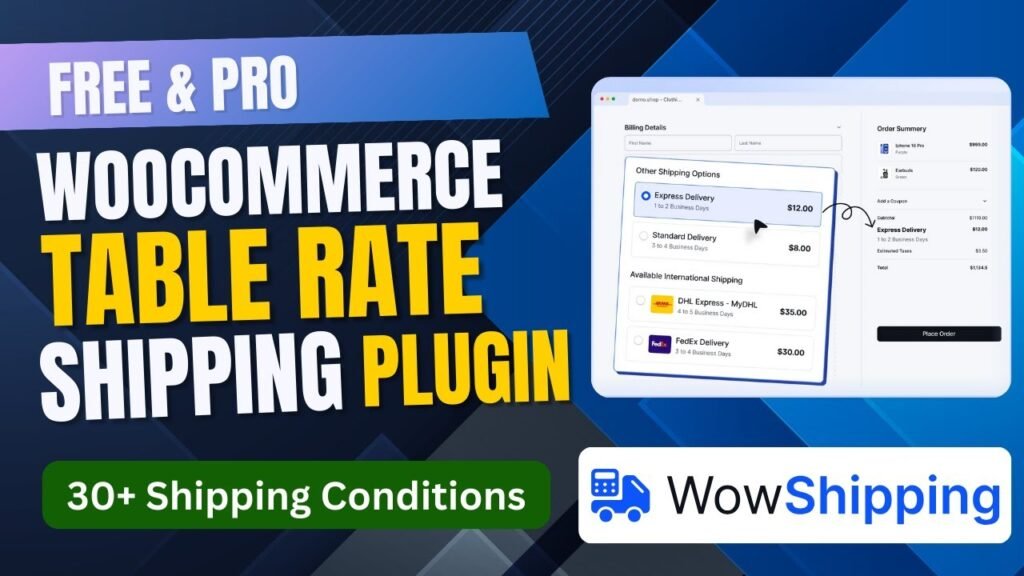
Shipping plays a crucial role in the success of any WooCommerce store. Incorrect shipping rates can reduce conversions, increase cart abandonment, and frustrate customers. This is where Table Rate Shipping in WooCommerce becomes essential.
In this detailed guide, you’ll learn everything about the Free WooCommerce Table Rate Shipping Plugin – WowShipping, how it works, its features, benefits, and how it compares to the Pro version. This article is based on a step-by-step video tutorial explaining how to configure and use the WowShipping plugin effectively.
If you’re looking for a free and powerful WooCommerce table rate shipping plugin, WowShipping is one of the best options available.
Download WowShipping Plugin.
Full Video Tutorial: https://youtu.be/RzxqHfn-isA
What Is Table Rate Shipping in WooCommerce?
Table Rate Shipping in WooCommerce allows store owners to calculate shipping costs based on predefined rules instead of a flat rate.
Instead of charging the same shipping fee for every order, table rate shipping lets you set flexible conditions such as:
Order weight
Cart total
Product quantity
Shipping class
Destination (country, state, ZIP code)
This advanced shipping logic gives you full control over shipping costs and helps create a fair pricing system for customers.
Why Do You Need Table Rate Shipping in WooCommerce?
1. Flexible Shipping Rules
Table rate shipping allows you to define multiple shipping rules based on business needs instead of using fixed shipping rates.
2. Reduce Cart Abandonment
Unexpected shipping costs are one of the biggest reasons for abandoned carts. Table rate shipping ensures transparent and predictable shipping charges.
3. Better Profit Margins
By charging accurate shipping rates based on weight, quantity, or destination, you avoid losses caused by undercharging.
4. Suitable for All Store Types
Table rate shipping is ideal for:
WooCommerce stores with heavy products
Multi-category stores
Wholesale stores
International shipping
Local delivery services
What Are the Different Types of Table Rate Shipping in WooCommerce?
1. Weight-Based Shipping
Shipping cost changes based on total cart weight.
Example:
0–1 kg → $5
1–5 kg → $10
2. Price-Based Shipping
Shipping rates depend on cart subtotal.
Example:
Orders below $50 → $8
Orders above $50 → Free shipping
3. Quantity-Based Shipping
Shipping cost is calculated based on the number of items in the cart.
4. Destination-Based Shipping
Shipping charges vary depending on country, state, or postal code.
5. Shipping Class-Based Rates
Different shipping costs for fragile, heavy, or oversized products.
Introduction to Free WooCommerce Table Rate Shipping Plugin – WowShipping
WowShipping is a powerful and beginner-friendly WooCommerce table rate shipping plugin that allows you to create unlimited shipping rules using a simple interface.
It works seamlessly with WooCommerce and is suitable for both beginners and advanced store owners.
Free Version available on WordPress.org
Premium Version with advanced conditions
Lightweight and performance-friendly
How WowShipping Plugin Works in WooCommerce
The WowShipping plugin works by allowing you to create shipping tables where you define conditions and corresponding shipping costs.
Basic Workflow
Install and activate WowShipping
Create a new shipping method
Define table rate rules
Assign conditions (weight, price, quantity, destination)
Display dynamic shipping rates at checkout
Everything happens without writing a single line of code.
Features of WowShipping Plugin
Let’s explore the most important features of the WowShipping Table Rate Shipping Plugin.
Unlimited Table Rate Rules
Create unlimited shipping rules based on different conditions, even in the free version.
Multiple Condition Types
You can create shipping rules based on:
Cart subtotal
Cart weight
Product quantity
Shipping class
Destination
3. User-Friendly Interface
The plugin uses a clean and intuitive interface that makes shipping rule creation easy even for beginners.
4. WooCommerce Compatibility
WowShipping integrates perfectly with WooCommerce’s default shipping zones and settings.
5. Conditional Shipping Logic
Apply shipping rules only when specific conditions are met.
6. Priority-Based Rules
Set rule priorities to control which shipping rule applies first.
7. Performance Optimized
The plugin is lightweight and does not slow down your WooCommerce store.
8. Free Version Availability
Unlike many shipping plugins, WowShipping provides useful table rate shipping features in its free version.
How to Set Up Table Rate Shipping Using WowShipping Plugin
Step 1: Install the Plugin
Go to WordPress Dashboard
Navigate to Plugins → Add New
Search for Wow Table Rate Shipping
Install and Activate
Step 2: Create a Shipping Zone
Go to WooCommerce → Settings → Shipping
Add or edit a shipping zone
Assign countries or regions
Step 3: Add WowShipping Method
Click “Add Shipping Method”
Select Wow Table Rate Shipping
Save changes
Step 4: Create Table Rate Rules
Define conditions (weight, price, quantity)
Set shipping cost
Save rules
Step 5: Test Checkout
Add products to cart and verify that shipping rates are applied correctly.
Benefits of Using WowShipping Plugin
1. Complete Shipping Control
You decide exactly how shipping is calculated.
2. Better Customer Experience
Accurate shipping costs improve trust and reduce cart abandonment.
3. Cost Efficiency
Avoid overcharging or undercharging shipping fees.
4. Ideal for Growing Stores
Supports complex shipping scenarios as your business scales.
5. No Coding Required
Everything is managed through WooCommerce settings.
WowShipping Plugin Free vs Pro Comparison
WowShipping Free Version
Includes:
Table rate shipping rules
Basic conditions
Shipping zones integration
Beginner-friendly setup
Best for:
Small stores
Local shipping
Basic shipping rules
WowShipping Pro Version
Includes:
Advanced conditional logic
More rule combinations
Priority support
Enhanced flexibility
Best for:
Large stores
International shipping
Complex shipping requirements
Who Should Use WowShipping Table Rate Shipping Plugin?
WowShipping is perfect for:
WooCommerce beginners
Small to medium online stores
Businesses with variable shipping costs
Store owners needing flexible shipping rules
Common Use Cases of Table Rate Shipping
Free shipping above a certain cart value
Higher shipping cost for heavy products
Different shipping rates for different locations
Bulk order shipping discounts
Final Thoughts
If you’re searching for a Free WooCommerce Table Rate Shipping Plugin, WowShipping is a reliable and powerful solution. It provides essential table rate shipping features without complexity and gives store owners the flexibility they need to manage shipping efficiently.
Whether you’re running a small WooCommerce store or planning to scale, WowShipping helps you create smarter shipping rules and improve the checkout experience.
Frequently Asked Questions (FAQs)
1. What is table rate shipping in WooCommerce?
Table rate shipping allows store owners to calculate shipping costs based on conditions like weight, price, quantity, or destination instead of using a flat rate.
2. Is WowShipping plugin free?
Yes, WowShipping offers a free version with essential table rate shipping features. Advanced features are available in the Pro version.
3. Can I use WowShipping with WooCommerce shipping zones?
Yes, WowShipping integrates seamlessly with WooCommerce shipping zones.
4. Does WowShipping slow down WooCommerce?
No, the plugin is lightweight and optimized for performance.
5. Is WowShipping suitable for international shipping?
Yes, especially the Pro version, which supports advanced destination-based rules.